
Download CobrApp for free
Pick your platform and start running your collections efficiently from any device. 250,000+ downloads across 20+ countries.
Why choose CobrApp?
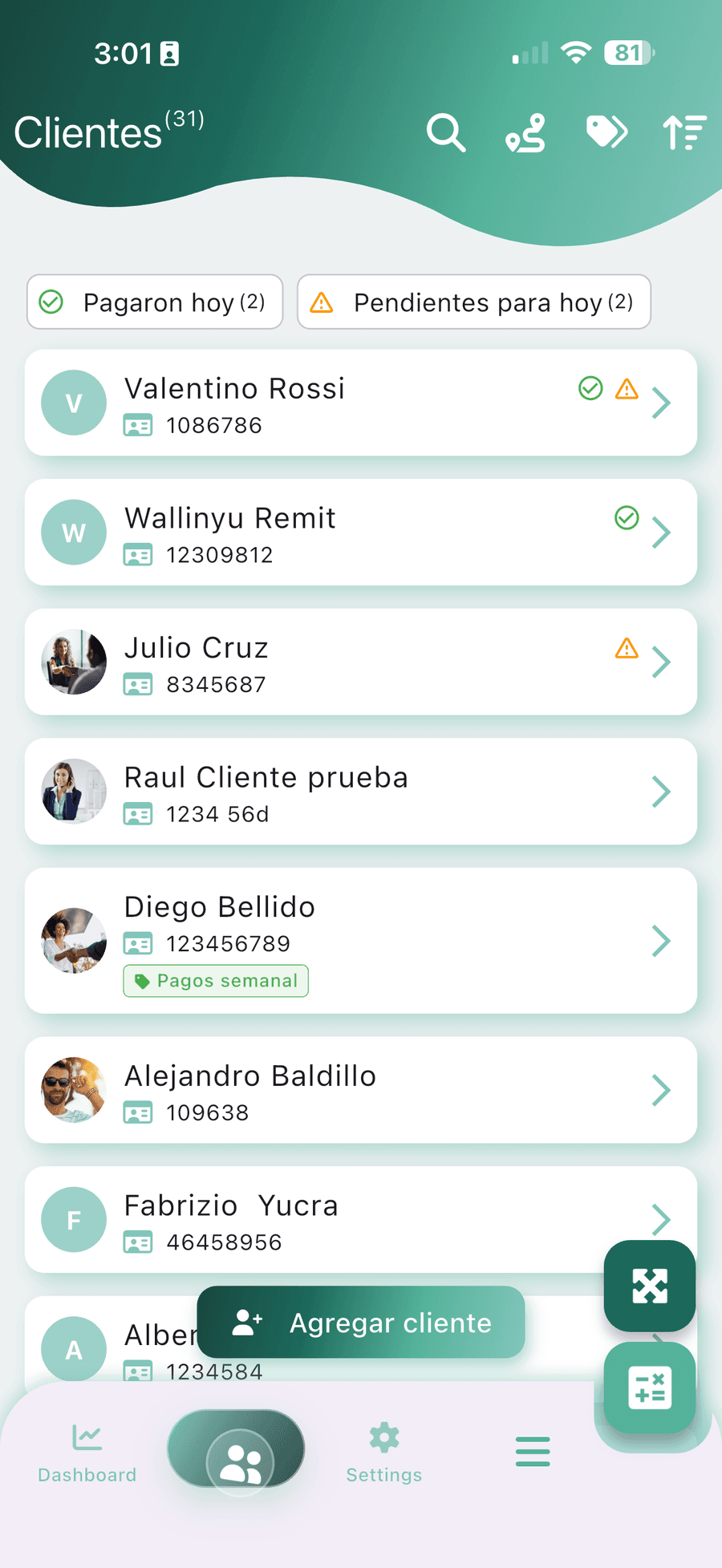
Cross-platform
Android, iOS and web
Secure
Bank-grade data encryption
100% Offline
No internet required
Very fast
Handled in seconds
Frequently asked questions
How do I download the CobrApp app safely?
Search for “CobrApp” on Google Play (Android) or the App Store (iOS), or go to cobrapp.co and tap the download button. Installing is free and you can start registering customers and payments the same day, with no internet required. More than 250,000 downloads across 20 countries.
Where do I download the CobrApp APK, and is there a premium APK?
The safe way to install CobrApp is from Google Play: search for “CobrApp” or go to cobrapp.co/en/download and tap download for Android. We do not publish or recommend modified APKs or a “CobrApp premium APK” from third-party sites: those files get no updates, may carry malware and put your customers’ data at risk. The Premium plan is activated inside the app from your own account; it does not require a different APK. If you are on an old APK build, install the official version from Google Play and your data comes back when you sign in.
Does CobrApp work as collections software on a PC?
Yes. CobrApp has a web version you can open in any browser on a PC or laptop without installing anything. Go to web.cobrapp.co from your computer to manage the portfolio on a big screen. Your data syncs automatically between the phone and the web.
Is there a collector app for iPhone and for desktop as well as Android?
Yes. CobrApp runs on all three: Android (Google Play), iPhone and iPad (App Store) and PC or Mac through the web app at cobrapp.co, with nothing to install. Same account, same portfolio on every device: you record a payment on the phone during the route and see it instantly on the office computer. The desktop version is where you close the day’s cash, print reports and manage several collectors; the mobile app works fully offline so you can collect in the field with no signal.