
Collection app comparison: what suits the way you collect
You will not find a table here where we win at everything. We compare the five real ways of running a portfolio and we also say when CobrApp is not what you need.
We do not name third-party brands. We have no way to verify what each app on the market does today, and publishing an unverified table is exactly what makes people choose badly.
The five ways of running a collections portfolio
Before comparing features it helps to know which category you are in. Almost every bad decision comes from picking the wrong category, not the wrong product.
The notebook
What it does well. It opens in a second, it never runs out of battery and nobody has to learn how to use it.Where it breaks. You carry the balance in your head. There is no copy if it gets wet, gets lost, or leaves with the collector who quit. And if a customer disputes what they paid, your word against theirs is all the evidence there is.
Excel or Google Sheets
What it does well. It adds, calculates, filters and exports. If you already have a computer, it costs nothing more.Where it breaks. The sheet has an owner: somebody built the formulas and somebody maintains them. On the street you still write on paper and type it up at night. That double entry is where the discrepancies are born, and nobody sees them until the monthly close.
Generic finance app
What it does well. It records income and expenses, it is free and it explains itself.Where it breaks. They are built for your money, not for your portfolio. They have no concept of a customer with a loan, installments and arrears; they do not know who is due today; they do not print proof of payment; and they generally need a connection.
ERP or corporate collections software
What it does well. Accounts receivable, e-invoicing, bank reconciliation, accounting and management reporting. For a B2B portfolio it is the right answer, and there is no shortcut.Where it breaks. It is billed per user, implemented over weeks, and somebody has to administer it. For a neighborhood route collecting cash it is like buying a truck to deliver empanadas.
App specialized in daily collection
What it does well. It assumes you collect cash, on the street, and often with no signal. Every decision follows from that: offline, receipt in hand, route by area and cash close.Where it breaks. It is not an accounting system and it does not issue invoices. If your collection starts from an e-invoice, this whole category falls short.
If you are in the second group and do not want to install anything yet, at least build a proper collections Excel template with the formulas in place: it beats an improvised sheet. And if you have decided to make the jump, the collections platform is the category that centralizes customers, payments and reports in one place.
What each category solves, point by point
The table describes how the typical category behaves, not a specific product. “Halfway” means it can be done, but it depends on somebody maintaining it by hand.
| What you need to do | Notebook | Spreadsheet | Generic app | Collections ERP | Daily collection app |
|---|---|---|---|---|---|
| Record the payment standing at the door | Yes | No | Yes | Halfway | Yes |
| Work out installment, balance and arrears without you doing the arithmetic | No | Halfway | No | Yes | Yes |
| Hand over a printed receipt on the spot | Halfway | No | No | Halfway | Yes |
| See who is missing today without reviewing the whole portfolio | No | Halfway | No | Yes | Yes |
| Several collectors, each with their own route and permissions | No | No | No | Yes | Yes |
| Keep working with no signal | Yes | Halfway | No | No | Yes |
| Backup outside the phone or the notebook | No | Halfway | Yes | Yes | Yes |
| E-invoicing and B2B receivables | No | No | No | Yes | No |
| Start today without paying anything | Yes | Halfway | Yes | No | Yes |
Look at the second-to-last row. The only category that covers e-invoicing and business-to-business receivables is the ERP, and there the specialized app — CobrApp included — says no.
The same arithmetic in all five tools
Take a one-month loan: $900 at 20% over 30 daily installments. Redo the arithmetic yourself: 900 × 1.20 = 1,080 total to repay, and 1,080 ÷ 30 = 36 per daily installment. Now the customer pays $22 on Tuesday and on Wednesday nobody is home.
COBRAPP
Tuesday · partial payment
In arrears
Wednesday: nobody home
- In the notebook. You write 22 and work out the next day’s balance in your head. The day you did not go is written down nowhere.
- In the spreadsheet. It adds up, provided that night you type both days in and the arrears formula is still alive after three months of copying and pasting rows.
- In the generic app. An income of 22 goes in. The app does not know 14 was still owed, that a Wednesday fell overdue, or which customer we are talking about.
- In the ERP. It adds up perfectly, but first the customer had to be created, the collection document issued, and a connection available to record it.
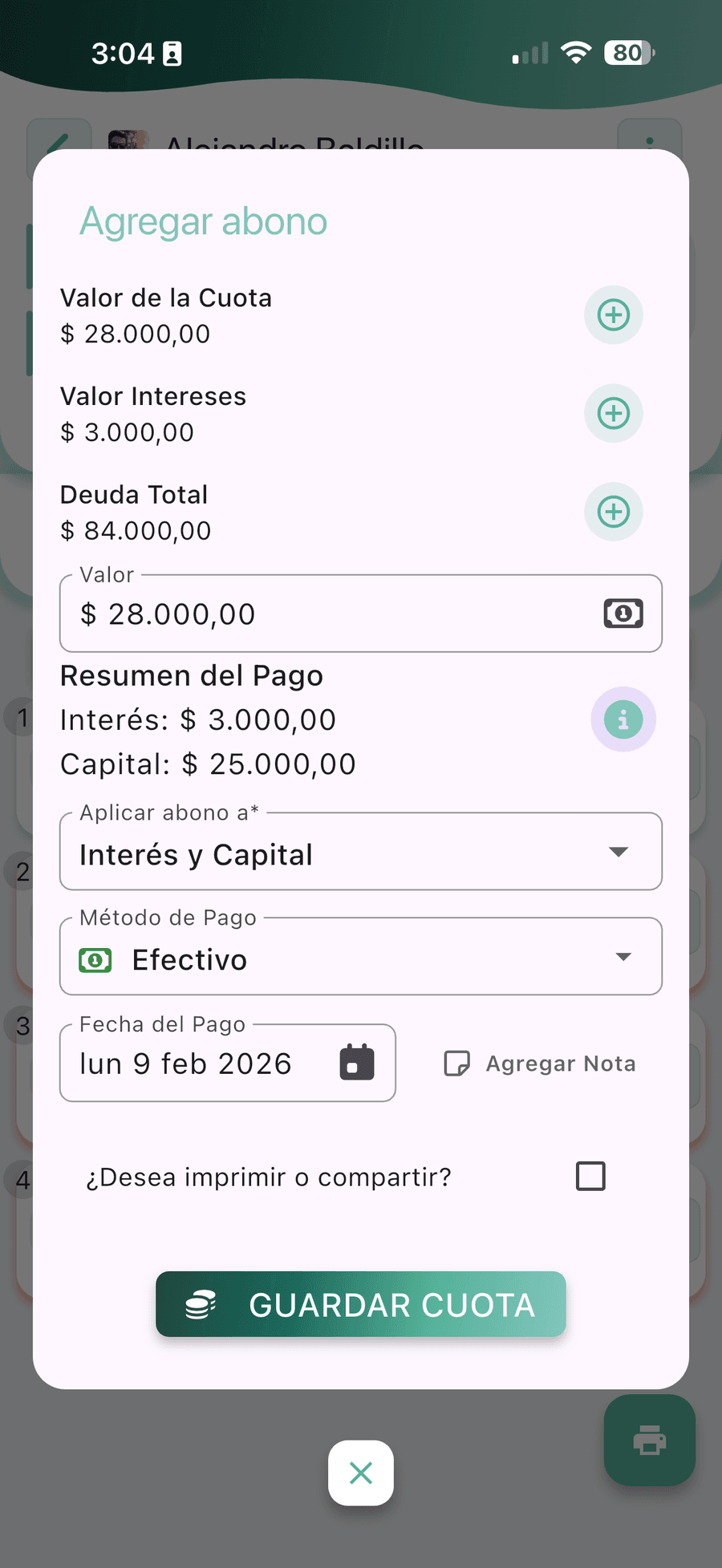
- In the daily collection app. You record the payment standing at the door, with no signal. The installment stays partial with its $14 balance, the customer leaves with the printed receipt, and on Wednesday they appear in the arrears list on their own without you reviewing anything.
When CobrApp is not your best option
A comparison without this section is advertising. These are the four cases where we will get in your way more than we help.
-
B2B collections with e-invoicing
If your collection starts from an invoice that has to be filed with the tax authority, matched against the bank statement and taken into the accounts, you need an accounts-receivable ERP. CobrApp manages loans and installments, not tax invoices.
-
Full business accounting
We control the portfolio: capital on the street, interest, arrears and takings. We do not produce financial statements or tax filings. What you can do is export everything to Excel or CSV and hand it to your accountant every month.
-
A call center operation
If your collections are done by phone, with a dialer, shifts and per-agent scripts, your tool is a different one. Ours is the street. For that part of the trade we have the guide to phone collection scripts, which you can use with whatever tool you already have.
-
Five customers and a notebook that works
If you lend to five people you know, collect on Sundays and have never lost a cent, installing an app is extra work with no reward. Come back when you have two areas, a collector helping you, or the first customer who disputes a payment.
How to test a collection app in three days
Comparing feature lists is useless: they all say the same thing. This trial is run with real customers from your route and commits you to nothing, because the free plan allows up to 10 customers and 2 loans each.
- Day 1
Load ten real customers
With their names, addresses and current balances. Invented customers never reveal the problems your portfolio actually has: the one who pays in dribs and drabs, the one with two loans, the one who pays in another currency.
- Day 1
Work the route in airplane mode
This is the test that separates apps that say “works offline” from the ones that really do. Record the whole day’s payments with no connection and see whether it syncs on reconnection without losing anything or duplicating payments.
- Day 2
Print a real receipt
With the Bluetooth printer you are going to use, on the roll you buy. A badly cut receipt, with an unreadable balance or without the business name, is no use in front of a customer.
- Day 3
Export before you commit
Before uploading the whole portfolio, export to Excel or CSV and open it. If you cannot download the information you entered yourself, that information is not yours.
- Day 3
Let your collector use it, not you
You will be patient with it; they will not. If your collector cannot record a payment in under a minute without asking you anything, the app failed, however good the reporting dashboard looks.
What no comparison ever shows
The cash close is the acid test.
It does not matter how good the app looks: at the end of the day what the collector hands over in cash has to match what they recorded on the route. If finding that out means adding up by hand, the tool did not remove work, it moved it.
Ask about handover, not about backup.
Every option says it keeps a copy. The question that separates them is what happens the day a collector leaves: how much work it takes to move their portfolio to someone else without losing the payment history or having to ask the customers how much they had paid. In the notebook the answer is “you rebuild it”; in a shared sheet it depends on who has the latest version; and in the specialized category it has to be reassigning the route and carrying on.
The price is not the monthly fee.
It is the monthly fee plus the time to load the portfolio plus what it costs to leave if you change your mind. That is why Excel/CSV export matters as much as the price. You can see what each tier includes on plans and pricing.
The route beats the report.
A dashboard with charts does not make you collect more; a visit order that respects the streets does. If you are going to compare on one feature, compare how each option builds the day’s collection routes.
To finish deciding
CobrApp does not grant credit or lend money. It is a technology platform for collections management and portfolio control of loans issued by third parties.
Frequently asked questions when comparing collection apps
What people evaluating alternatives ask when they want to decide well.
How do I compare collection apps without losing weeks to trials?
Is a generic finance app any use for daily collection?
When is a collections ERP better than a daily collection app?
Can I get my data out if the app turns out not to suit me?
What is the difference between a free plan and a trial with an expiry date?
Why does this comparison not name the other collection apps?
I already keep the portfolio in a spreadsheet. Is it worth changing?
If I switch, do I have to retype the whole portfolio?
$ 3,470.00 Balanced
What a route of 37 visits with 4 collectors brings in on one day, with the portfolio balanced at close.
Try it with your own route
Ten real customers, one day on the street and the phone in airplane mode. That will tell you.
CobrApp does not grant credit or lend money. It is a technology platform for collections management and portfolio control of loans issued by third parties.